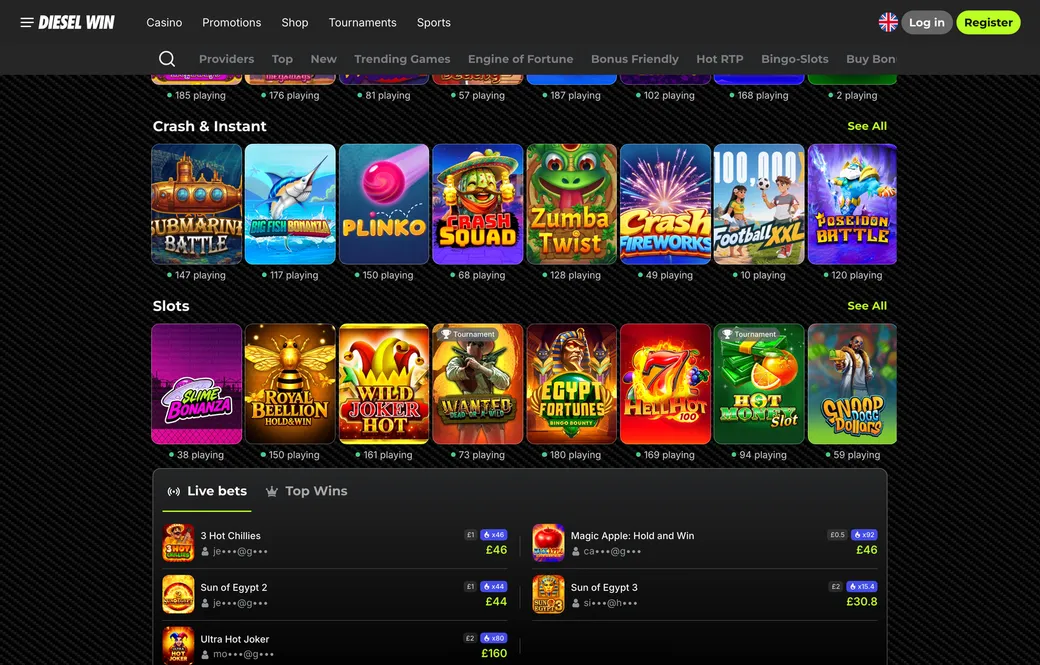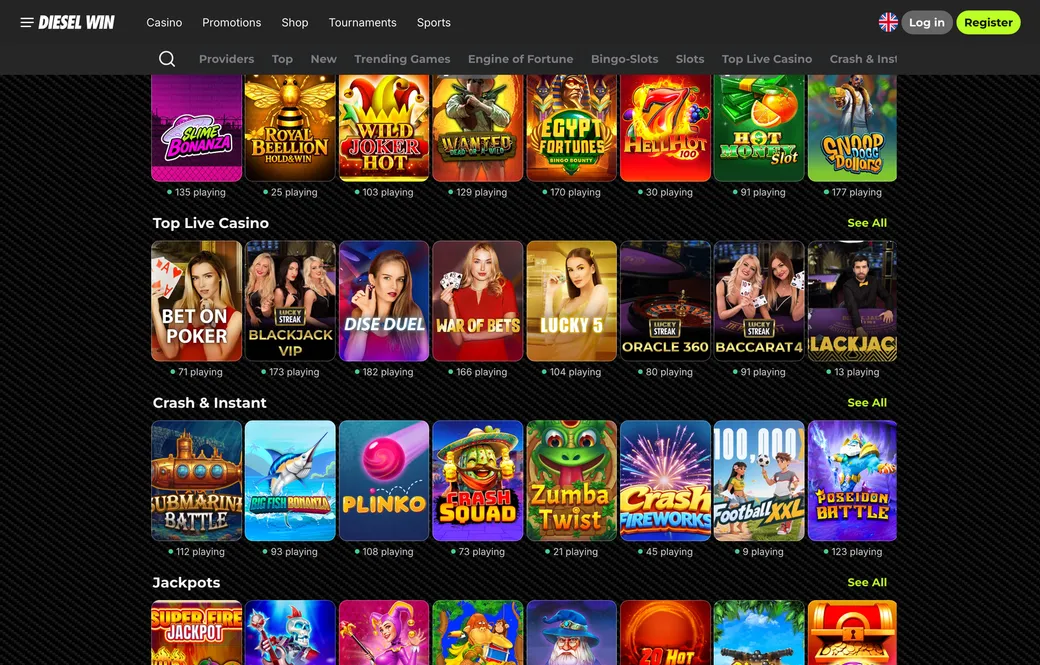
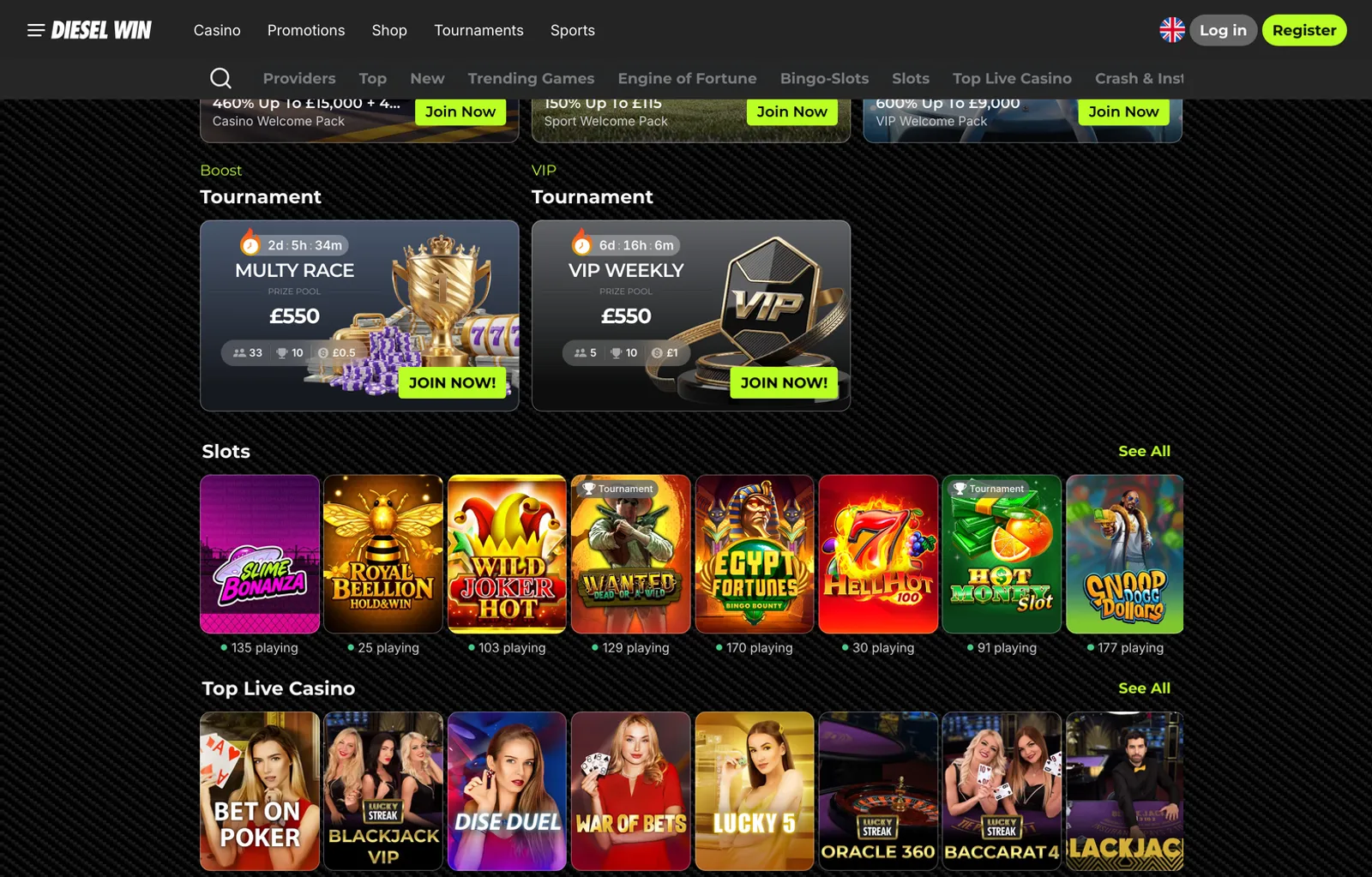
On Android you use the DieselWin mobile site in your browser or add it to your home screen as a web app. DieselWin has its own iOS app with an install bonus, but on Android there is no native app in the Google Play Store. An APK file has not been confirmed by the casino, so do not install APK files from unknown sources.
DieselWin Android app at a glance
The table below shows what you need to know before you start.
| What | Detail |
|---|---|
| Platform | Android mobile site in Chrome or Samsung Internet |
| Native app | No; DieselWin’s own app is iOS only |
| Home screen shortcut | Yes; add the mobile site as a web app (PWA) |
| APK download | Not confirmed; do not install APK files from unverified sources |
| Bottom menu | Casino, Promotions, Join Now, Search, Sports |
| Deposit methods | Monzo, Revolut, credit card, online banking (Barclays, Lloyds), Google Pay, crypto |
| Minimum deposit | £20 |
| Live chat | 24/7 via Contact Support |
The mobile site gives you the full sportsbook on the Betby platform: football, tennis, basketball, darts, cricket, snooker, boxing, eHorse Racing, eFootball and esports including Counter-Strike and Dota 2. The Live, Upcoming and Outrights tabs sit at the top of the line, and Early Payout rules are set out in the Betting Rules document in the casino footer. On the casino side you get the same lobby categories as on desktop—Top, New, Trending Games, Engine of Fortune, Bingo-Slots, Slots, Top Live Casino, Crash & Instant, Jackpots, Table games, Lucky Boom, Big Sunday Blast, Bonus Friendly and Top Worldwide Games—with providers such as Red Tiger, Hacksaw Gaming, Booming Games, Spinomenal, TaDa Gaming, BGaming, Lucky Streak, Iconic21, Betgames, Endorphina, Betsoft and many others.
The mobile site works in any modern Android browser. Chrome is the most reliable choice because it supports progressive web apps, which means you can add the site to your home screen and open it like a native app. Samsung Internet also supports this feature. Once added, the shortcut opens the site in a standalone window without the browser’s address bar, making it look and feel closer to a native app.
Adding DieselWin to your Android home screen
Adding the DieselWin mobile site to your home screen takes a few seconds and turns it into a web app that opens in its own window. Here is how to do it in Chrome, which is the browser most Android phones come with.
Open Chrome and go to the DieselWin site. Make sure you are on the homepage or the page you want to bookmark—the shortcut will open that page when you tap it. Tap the three-dot menu in the top-right corner of Chrome. The menu that appears will show an option labelled either “Add to Home screen” or “Install app”, depending on your version of Chrome. Tap that option.
Chrome will show a dialog asking you to confirm the name of the shortcut. The default name is usually “DieselWin”. You can change it if you want, but the default is fine. Tap “Add” or “Install”. Chrome will close the dialog and add the shortcut to your home screen. You will see a small toast message confirming that the shortcut has been added.
Go to your home screen and look for the new icon. It will have the DieselWin logo. Tap it to open the site. The site will open in a standalone window without the Chrome address bar or navigation buttons. You can swipe between pages, tap links and use the bottom menu just as you would in a native app.
The bottom menu gives you quick access to Casino, Promotions, Join Now, Search and Sports. If you are already signed in, the Join Now button may show your account balance or a link to your profile instead—check the interface to see what appears after you log in. From the Sports section you can build a bet slip, check the odds, add selections and place singles, doubles, trebles or accas. The bet slip floats at the bottom of the screen when you have active selections, and you can tap it to review your stake and potential returns before you confirm the bet.
If you use Samsung Internet instead of Chrome, the steps are almost identical. Open Samsung Internet, go to the DieselWin site, tap the menu icon (three lines or three dots, depending on your version), and look for “Add page to” or “Add to Home screen”. Tap it, confirm the name, and the shortcut will appear on your home screen.
What about an APK file? An APK is an Android app package that you can download and install directly, bypassing the Google Play Store. Some casinos and sportsbooks offer APK downloads for Android users, especially in markets where the Google Play Store does not list gambling apps. However, a DieselWin APK has not been confirmed by the casino. Do not download or install APK files from third-party sites, forums or file-sharing services. APK files from unverified sources can contain malware, spyware or modified code that steals your login details or payment information. If you see a site offering a “dieselwin apk” or “dieselwin app download android”, do not install it. Use the mobile site instead.
If the mobile site does not load or the home screen shortcut does not work, try these fixes. First, check your internet connection. Open another site in Chrome to confirm that your connection is working. If other sites load but DieselWin does not, the problem may be a regional block or a temporary server issue. Try again in a few minutes, or contact live chat via the Contact Support button to ask whether the site is accessible from your location.
Second, clear your browser cache. In Chrome, tap the three-dot menu, go to Settings, then Privacy and security, then Clear browsing data. Tick “Cached images and files” and tap “Clear data”. This will remove any corrupted or outdated files that might be stopping the site from loading. After clearing the cache, close Chrome completely by swiping it away from the recent apps list, then open Chrome again and go to the DieselWin site.
Third, update Chrome to the latest version. Open the Google Play Store, search for Chrome, and tap “Update” if an update is available. Older versions of Chrome may not support all the features of the mobile site, including the option to add it to your home screen.
Fourth, check that you have enough storage space on your phone. Progressive web apps save some data locally, and if your phone storage is full the shortcut may not work properly. Go to Settings, then Storage, and free up space if needed by deleting unused apps, photos or downloads.
If none of these fixes work, open the DieselWin site in Chrome without adding it to the home screen and use it that way. You will still have access to the full sportsbook, the casino lobby, the cashier and your account settings. The only difference is that you will see the Chrome address bar at the top of the screen. If you prefer a cleaner look, tap the three-dot menu and select “Desktop site” to switch to the desktop version of the site, which may display differently on a small screen but gives you all the same features.
Deposits on the Android mobile site work exactly as they do on desktop. The cashier accepts Monzo, Revolut, credit cards, online banking through Barclays and Lloyds, Google Pay and crypto including USDT (TRC-20 and ERC-20), USDC, ETH, SOL, TRON, BTC, BCH, DOGE and LTC. The minimum deposit is £20. Google Pay deposits have a range of £20 to £800 per transaction, while card, Monzo, Revolut and online banking deposits go up to £2,000, and crypto deposits go up to £10,000. Fees are not listed in the cashier, so check the Payments policy document in the casino footer if you need to know whether a fee applies to your chosen method.
Withdrawals from the mobile site go to bank transfer (up to £4,000), credit card (up to £2,500) or crypto (up to £10,000). The minimum withdrawal is £50. Payout times and fees are set out in the Payments policy. VIP members get higher limits and faster payouts, plus a personal VIP manager and support via messenger. To find out more about the VIP Club, look for the VIP section on the site or ask live chat.
If you want to try the DieselWin iOS app instead, you will need an iPhone or iPad. The iOS app is DieselWin’s own app with a bonus for installing it, and the terms of that bonus are set out in the casino’s Terms of Service. On Android, the mobile site is your best option: fast, secure, and always up to date without needing to download updates from a store.